I've been a Vercel user since the Pages Router days. The developer experience is excellent and the zero-config deployments are genuinely magical. But for projects that need a Postgres database, background jobs, or custom Docker containers alongside the Next.js app, I kept running into the limits of a frontend-focused platform.
Railway changed that. After running three production Next.js apps on Railway for six months, here's the setup I've settled on.
Why Railway
Railway is infrastructure, not just hosting. You get:
- Multiple services per project (Next.js + Postgres + Redis in one project)
- Persistent volumes for any service
- Cron jobs as first-class citizens
- Private networking between services (no public network overhead for internal calls)
- Automatic deployments from GitHub
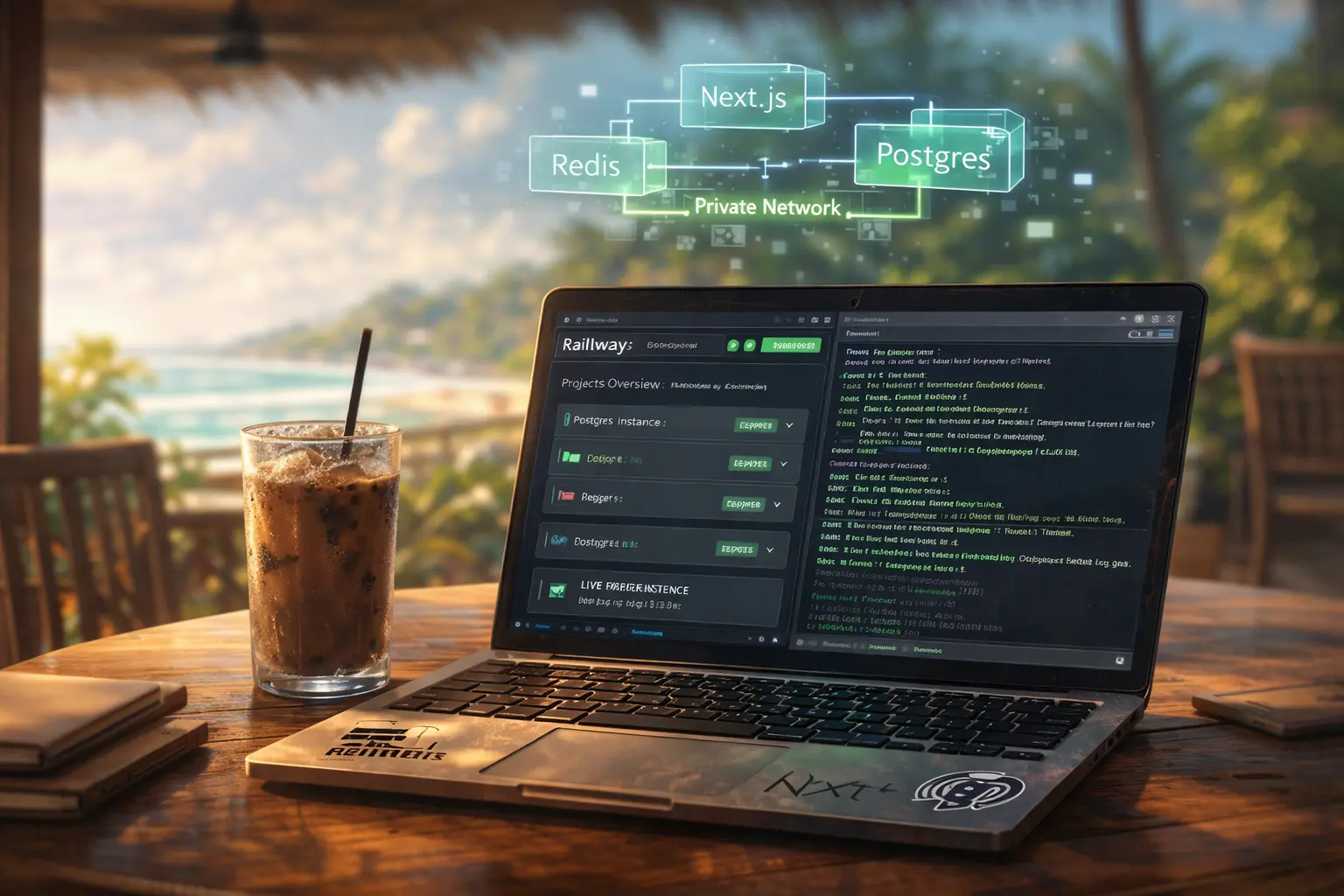
For a full-stack project, this means your app server, database, cache, and any background workers all live in the same project with private networking between them.
Setup: Next.js on Railway
Step 1: Connect your repo
Create a new Railway project and add a service from GitHub. Railway detects Next.js automatically and configures the build command (npm run build) and start command (npm start).
Step 2: Add Postgres
Add a Postgres plugin to your project. Railway provisions a managed Postgres instance and automatically injects DATABASE_URL into your environment. That's it - no connection string configuration needed.
Step 3: Environment variables
Railway has a useful feature for this: variables can reference other variables using ${{variable_name}} syntax. This makes it easy to compose secrets from components:
DATABASE_URL=${{Postgres.DATABASE_URL}}
NEXTAUTH_SECRET=${{secret:NEXTAUTH_SECRET}}
NEXTAUTH_URL=https://${{RAILWAY_PUBLIC_DOMAIN}}
The ${{RAILWAY_PUBLIC_DOMAIN}} variable is auto-injected by Railway and resolves to your project's public URL.
Postgres Configuration
Railway's managed Postgres is production-ready out of the box, but there are a few things worth configuring:
Connection pooling. Next.js with server-side rendering can open many concurrent connections. Add PgBouncer or use a connection pooler in your database client:
// lib/db.ts
import { Pool } from 'pg'

const pool = new Pool({
  connectionString: process.env.DATABASE_URL,
  max: 10,  // Match Railway's connection limit for your plan
  idleTimeoutMillis: 30000,
  connectionTimeoutMillis: 2000,
})
Backups. Railway's Postgres includes daily backups on paid plans. For production apps, also set up a periodic pg_dump to an external storage (I use R2) for independent backup control.
Custom Domains
Railway supports custom domains with automatic TLS certificate provisioning. The setup is:
- Add your domain in the Railway service settings
- Copy the CNAME record Railway provides
- Add it to your DNS provider
- Wait for propagation (usually 5-30 minutes)
The RAILWAY_PUBLIC_DOMAIN environment variable updates to your custom domain after you add it, so any configuration that references it (like NEXTAUTH_URL) doesn't need to change.
Health Checks and Zero-Downtime Deploys
Railway supports health check endpoints. Add one to your Next.js app:
// app/api/health/route.ts
export async function GET() {
  return Response.json({ status: 'ok', timestamp: Date.now() })
}
Then configure it in Railway's service settings. Railway won't cut over traffic to a new deployment until the health check passes, giving you zero-downtime deploys without any extra configuration.
Cost Comparison
For a production app with a Postgres database:
| Setup | Monthly cost (est.) |
|-------|---------------------|
| Vercel Pro + Vercel Postgres | ~$50-80 |
| Vercel Pro + Neon | ~$30-50 |
| Railway (Hobby plan) | ~$20-35 |
| Railway (Pro plan) | ~$30-60 |
Railway's pricing is usage-based, so small apps cost very little and larger apps scale linearly. For projects that aren't receiving much traffic, the bill can be under $5/month.
What Vercel Still Does Better
Railway isn't a direct replacement for every Vercel use case. Vercel still wins on:
- Edge functions and edge middleware (Railway doesn't have this)
- The Next.js integration is native to Vercel,some advanced features work more seamlessly
- The preview deployment workflow for PRs is excellent on Vercel
For a Next.js app that needs a full-stack deployment (database, background jobs, caching), Railway is now my default. For a primarily frontend app with minimal server-side requirements, Vercel is still the easier choice.
Railway's documentation has improved a lot over the past year. If you're evaluating it, the Railway + Next.js + Postgres starter template is a good starting point.