
AIFrontendDeveloper Tools
AI Agent Upgraded My Codebase to Nuxt 4
From Nuxt 3 to Nuxt 4 in two hours. 45 passing tests. Zero manual edits. Here's what agentic coding actually looks like in the wild.
Mar 3, 20267 min read
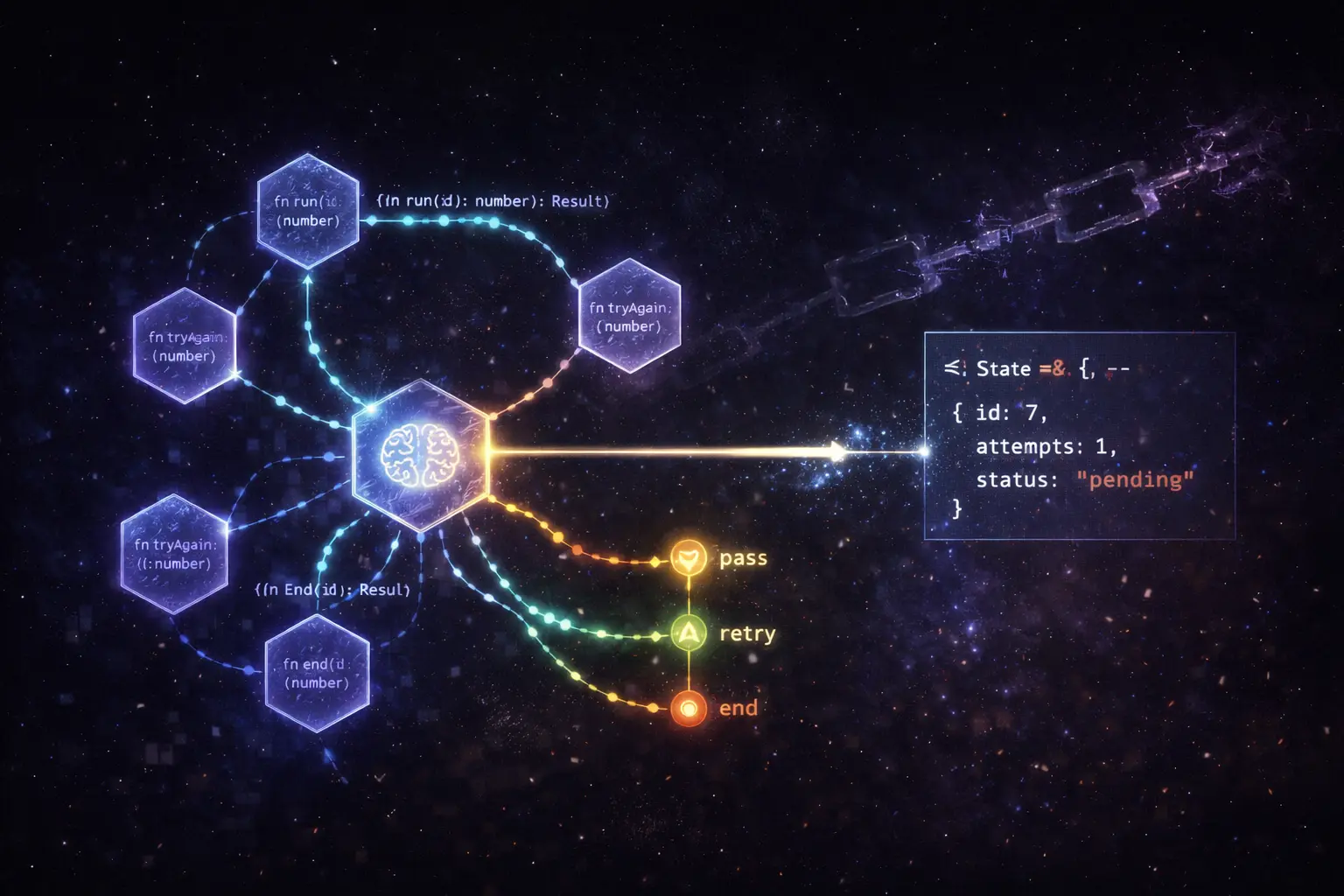
Chains are predictable. You define step A, then step B, then step C, and the LLM executes them in order. That works well for structured transformations - summarize this document, extract these fields, translate this text.
Agents are different. They need to make decisions: call this tool or that tool, retry with a different approach, delegate to a subagent, or stop because they've reached a goal. The linear chain model breaks down as soon as conditional logic enters the picture.
LangGraph models agents as graphs, and that turns out to be the right abstraction.
In LangGraph, your workflow is a directed graph where:
The key insight is that edges can be conditional. After a node runs, you can inspect the state and route to different nodes based on what happened. This models the actual decision-making structure of an agent rather than forcing it into a linear chain.
from langgraph.graph import StateGraph, END
from typing import TypedDict

class AgentState(TypedDict):
    messages: list[str]
    tool_calls: list[dict]
    final_answer: str | None

def call_model(state: AgentState) -> AgentState:
    # Call LLM, potentially with tool definitions
    response = llm.invoke(state["messages"])
    return {"tool_calls": extract_tool_calls(response)}

def should_continue(state: AgentState) -> str:
    if state["tool_calls"]:
        return "tools"
    return END

workflow = StateGraph(AgentState)
workflow.add_node("agent", call_model)
workflow.add_node("tools", execute_tools)
workflow.add_conditional_edges("agent", should_continue)
workflow.add_edge("tools", "agent")  # Loop back after tools
We had a document-processing pipeline that:
The original implementation was a set of conditional if-statements wrapped around sequential LLM calls. It worked, but debugging was a nightmare,when something failed, you couldn't easily see which branch you'd taken or what the state was at each step.
With LangGraph, each step became a node with explicit state transformations:
workflow.add_node("extract_text", extract_text_node)
workflow.add_node("classify", classify_document_node)
workflow.add_node("extract_invoice", extract_invoice_node)
workflow.add_node("extract_contract", extract_contract_node)
workflow.add_node("validate", validate_extraction_node)
workflow.add_node("retry", retry_with_fallback_node)

workflow.add_conditional_edges(
    "classify",
    route_by_document_type,
    {
        "invoice": "extract_invoice",
        "contract": "extract_contract",
    }
)

workflow.add_conditional_edges(
    "validate",
    check_validation_result,
    {
        "pass": END,
        "fail": "retry",
        "max_retries": END,
    }
)
Debuggability. LangGraph persists state at every step. When a document failed validation, I could inspect the exact state at the point of failure,what the LLM extracted, what the validator rejected, what the retry prompt looked like.
Testability. Because each node is a pure function from state to state, I could unit test nodes in isolation. No need to mock the entire pipeline.
Visibility. LangSmith integration gives a visual trace of every execution path, including which conditional edges fired. This was invaluable for debugging edge cases in the classification step.
Graphs add complexity. If your workflow is genuinely linear,always step A then B then C, no conditionals,use a chain. LangGraph shines for workflows that need:
The document pipeline had all five. A simple summarization tool has none.
LangGraph is now my default for anything with more than two decision points. The graph abstraction maps directly to how I think about agent design, which makes the code easier to reason about and explain to non-technical stakeholders.
From Nuxt 3 to Nuxt 4 in two hours. 45 passing tests. Zero manual edits. Here's what agentic coding actually looks like in the wild.

The techniques that actually move the needle when you're using LLMs to write production code - beyond the obvious "be specific" advice.